Prepare
Set the term, sessions, standards, masters, trackers, and navigation once. Your team starts from the same operating plan.
Holon Admin gives your team one guided workspace to prepare courses, run bulk operations, track readiness, and launch the term in the right order.
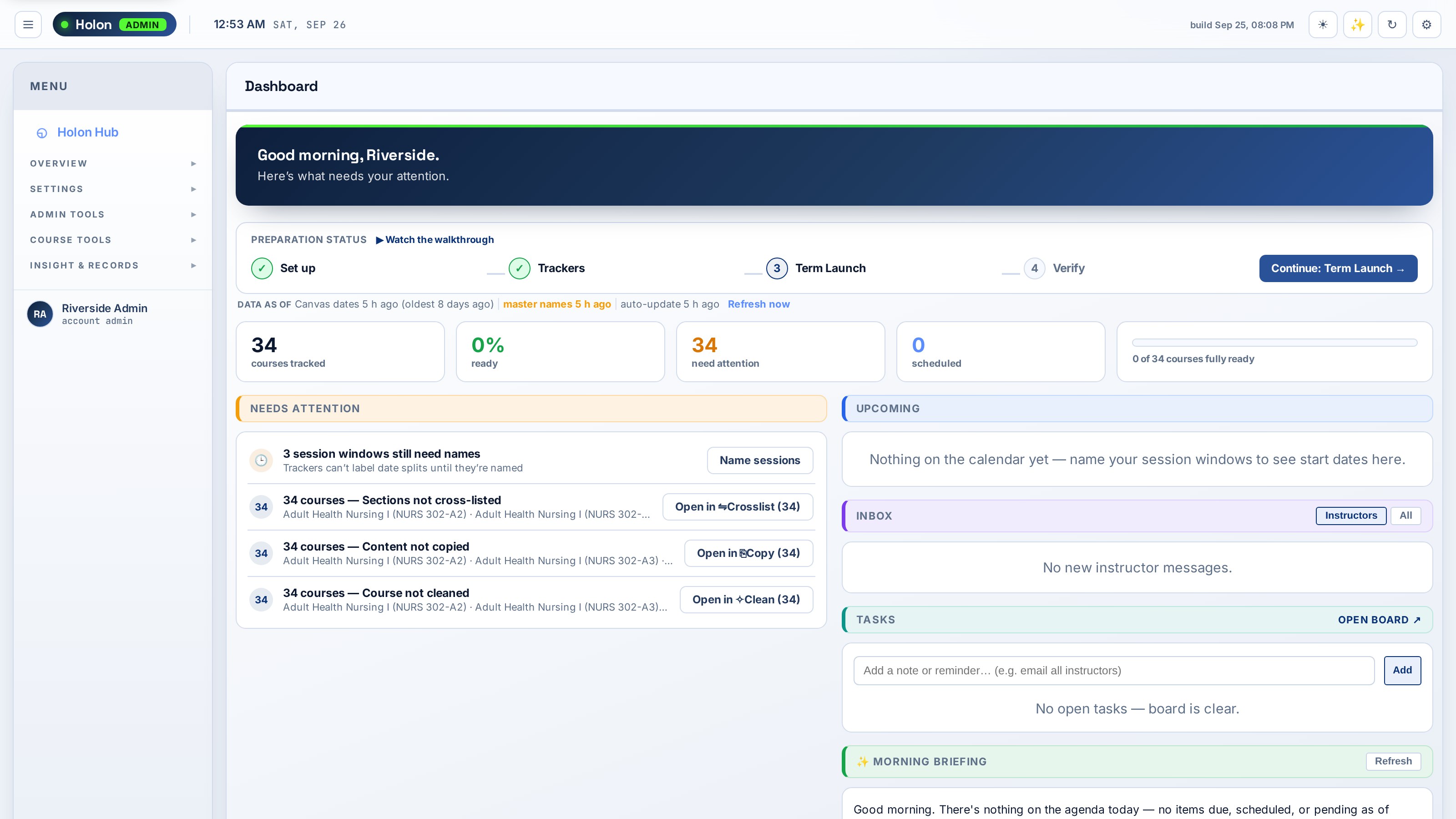
Holon Admin brings the work your team already does into one visible sequence—so you always know what is ready, what is waiting, and what needs attention.
Set the term, sessions, standards, masters, trackers, and navigation once. Your team starts from the same operating plan.
Open each stage with the right courses already loaded. Copy, shift dates, update pages, publish, and communicate at scale.
See interaction, master coverage, readiness gaps, and unfinished work before they become end-of-term emergencies.
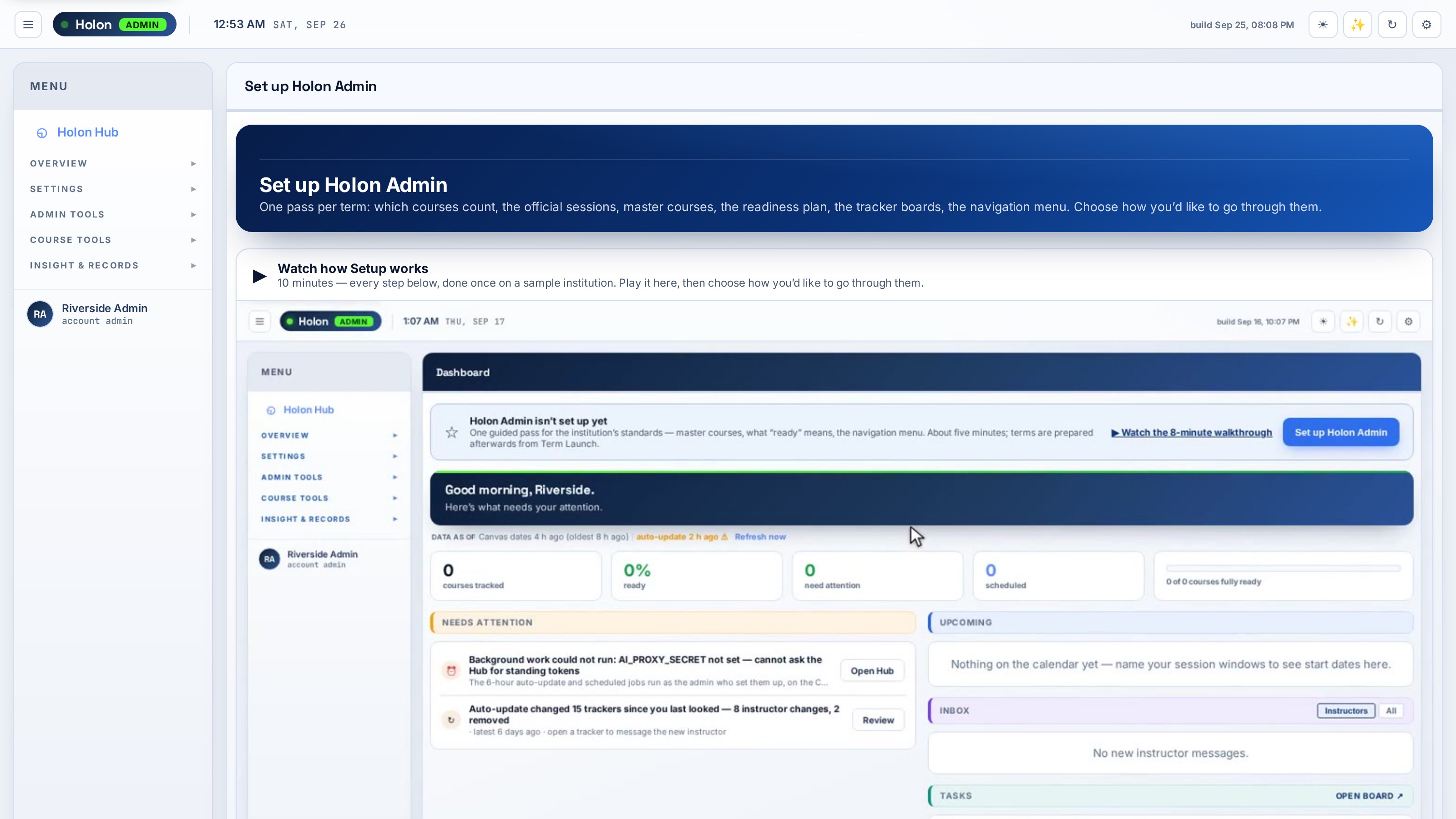
Setup defines your standards and remembers where your team left off. It prepares the workspace without pushing changes into live courses.
Every workspace is designed around the way Canvas administrators actually prepare and support a term.
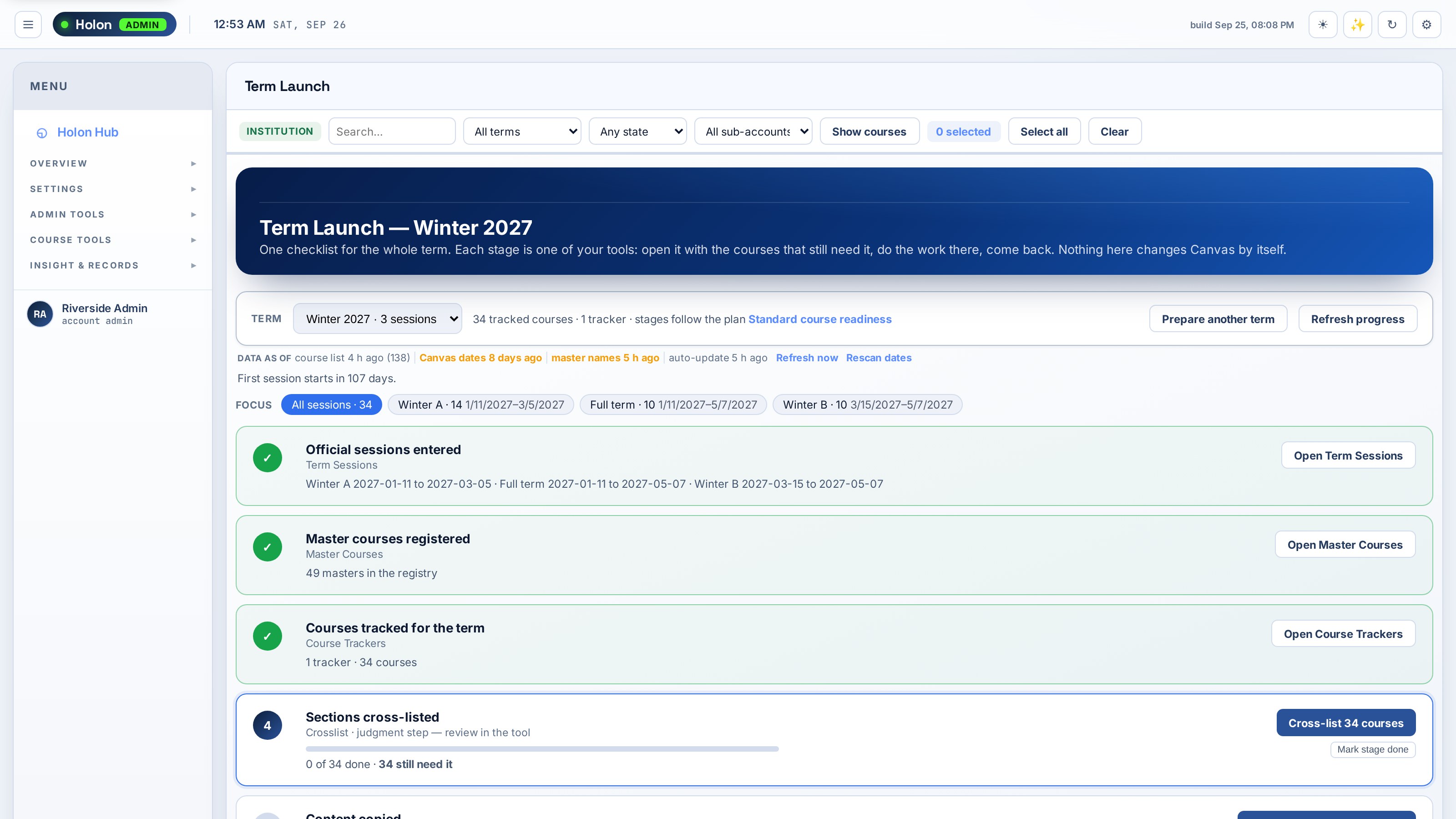
Move through copy, dates, home pages, navigation, checks, outreach, publishing, and monitoring with the pending courses visible at every stage.
See institutional pricing →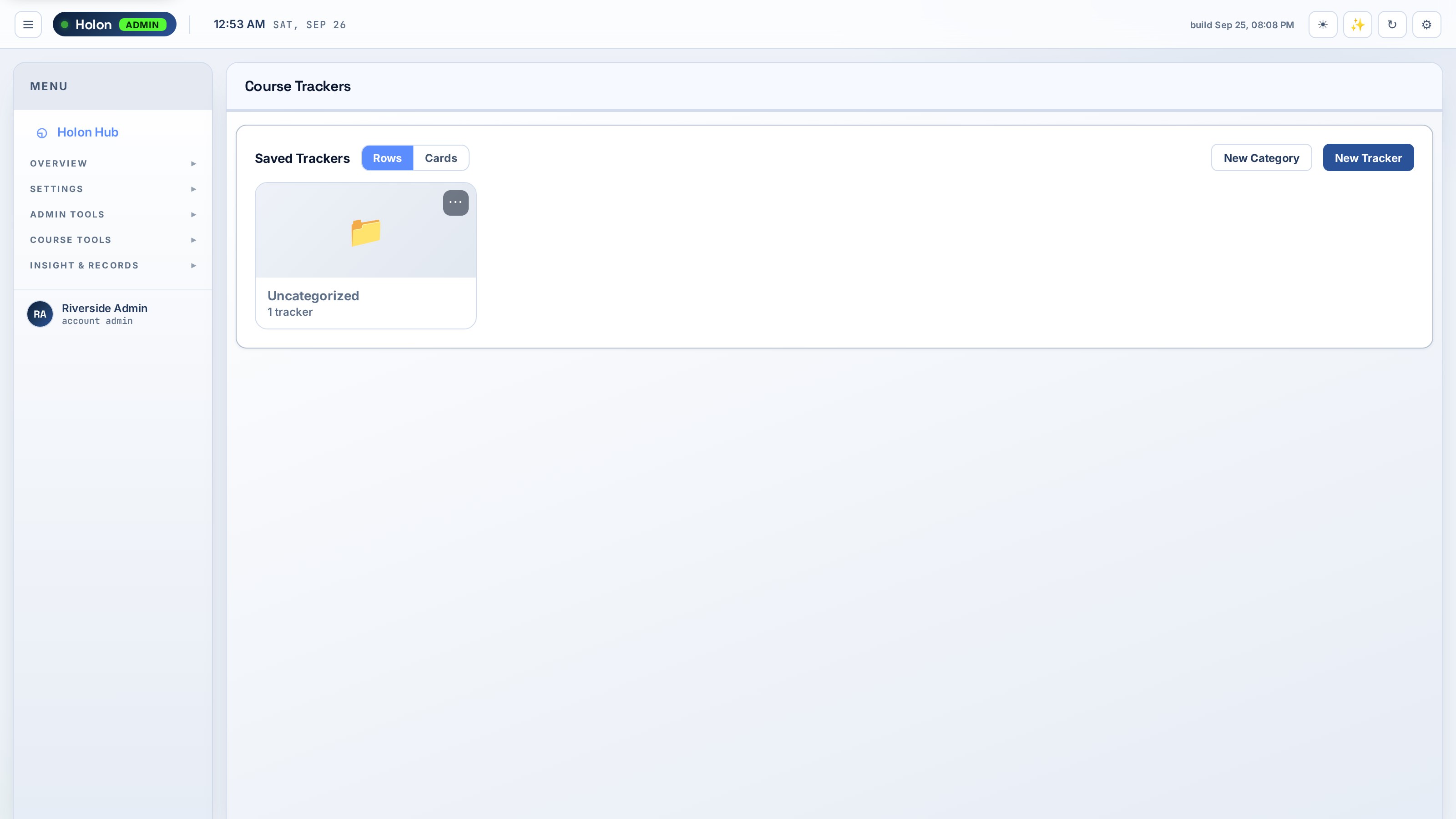
Give each program and session a shared board with ownership, status, history, and a clear definition of done.
See institutional pricing →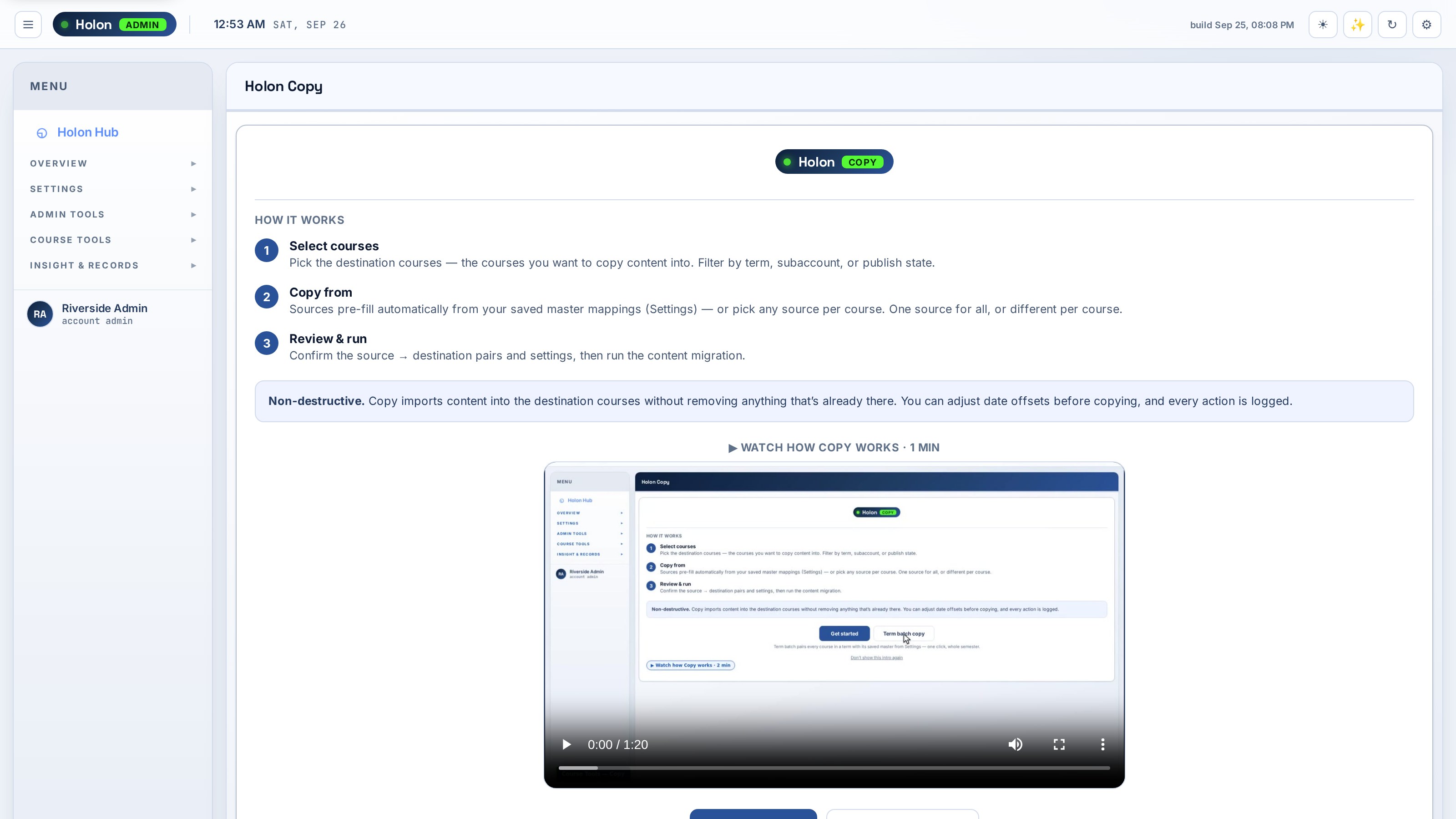
Match courses to the right master and surface migration warnings before content gets duplicated.
See institutional pricing →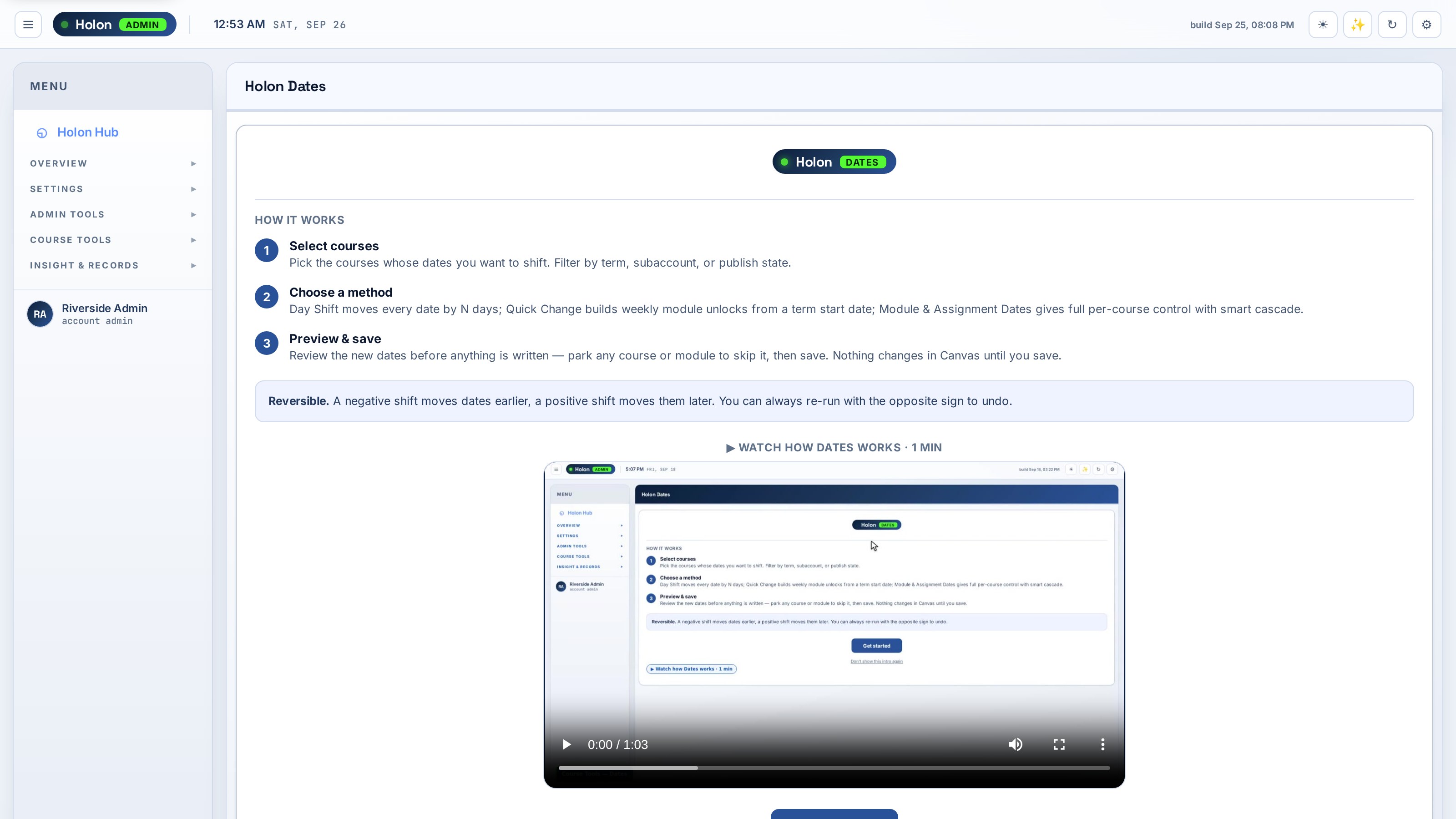
Shift or set due, unlock, and module dates across many courses with a recorded run history.
See institutional pricing →Holon Admin works through each administrator’s Canvas access and keeps the work visible to the people responsible for it.
Bulk runs are logged so your team can see what happened, when it happened, and which courses were included.
Holon works within the permissions of the Canvas admin who runs or schedules the work.
AI assistance is optional. Any Canvas-changing action waits for an approval step that lists the affected courses.
Pricing is based on the number of Canvas account administrators you license—not student enrollment.
Includes Holon Hub, every Holon Admin workspace, product updates, and delegates scoped to the sub-accounts and trackers you choose. Admin seats are licensed by the band you select; delegates are free. Need an invoice, PO, or multi-year agreement? Contact us.
Create an account and install Holon Hub in Canvas. The trial starts when you launch Holon Admin from the Hub, so waiting on installation does not use your trial time. No card is required.
Canvas account administrators. Delegates can be invited with access limited to the sub-accounts and trackers you choose.
Pricing is based on the number of Canvas account administrators licensed. Choose the annual band that covers your admin team; delegates are free.
No. The core workflows operate without AI. Ask Holon and guided assistance are optional.
Start with your real Canvas environment and see how much of the preparation process your team can bring into one place.
Start your 15-day free trial